

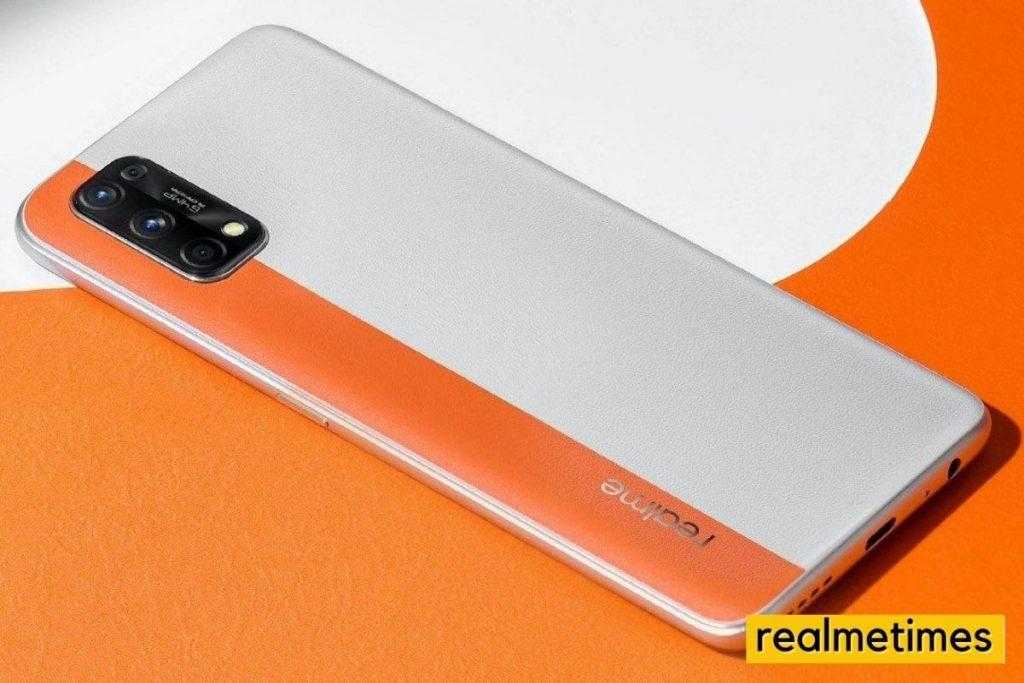
Realme’s latest mid-range offering, the Realme 7 Pro, which features a 64-megapixel rear camera, the Qualcomm Snapdragon 720G mobile chipset, a 6.4-inch Full HD+ AMOLED display, a 4500mAh battery with support for 65W SuperDart fast charging, and more; has started to receive a new software update for its beta users.
Previously, the company announced its next version of Android Custom skin based on Android 11, namely: Realme UI 2.0. The Realme 7 Pro had eventually received its first beta. The second and the Realme has now started rolling out a new beta update carrying the firmware version number RMX2170_11_C.12, which weighs around 616MB and brings many new features and improvements.
Going by the changelog, the third Realme UI 2.0 Beta update for the Realme 7 Pro brings optimizations on app start-up, adds the long-awaited Ultra Night mode, fixes some camera bugs, adds a new video watermark feature, and brings some other improvements over the second beta update. If you are one of the beta testers, head over to Settings -> Software Updates, check for an OTA, download, and install.
Realme 7 Pro RMX2170_11_C.12 Realme UI 2.0 Third Beta Changelog
- Apps
- Optimized the freezing issue of some Apps
- Optimized the freezing issue when using Whatsapp in some scenarios
- Fixed the probabilistic non-response issue when using Youtube
- Camera
- Added the Ultra Night mode
- Added Video Watermark
- Fixed the problem that 960fps SLO-MO cannot save video
- Fixed the problem that when adjusting Night mode manually to take pictures, the specific time is not displayed below
- Fixed that green lines appear probabilistically problem when recording at 720P resolution and 60FPS
- Fixed the front camera beautification, take pictures at a certain distance, and the imaging will have no beautification effect.
- Settings
- Optimized into the application
- Fixed the SIM card name Is changed to the default name after the restart.
- Fixed the problem of turning off “Wake and return to the desktop, click the recent tasks button, the interface display is confused Google Assistant with Power button.
- Fixed the horizontal screen after splitting the information between the Super power-saving mode, the time plug-in, and the application icon overlap
- Fixed the abnormal problem of opening the App Hiding
- Fixed an abnormal problem that occurred in the setting wizard page when creating a general user
- Fixed an abnormal problem during karaoke when the earphone was plugged in, and In-Ear Monitoring was turned on.
- Music
- Fixed the problem that the progress bar does not move, and there is no sound when playing MP2 format music files.
- System
- Fixed the probabilistic automatically unlocking the screen repeatedly issue
With that said, do you face any issues with the update? Do let us know by dropping a comment down below.
