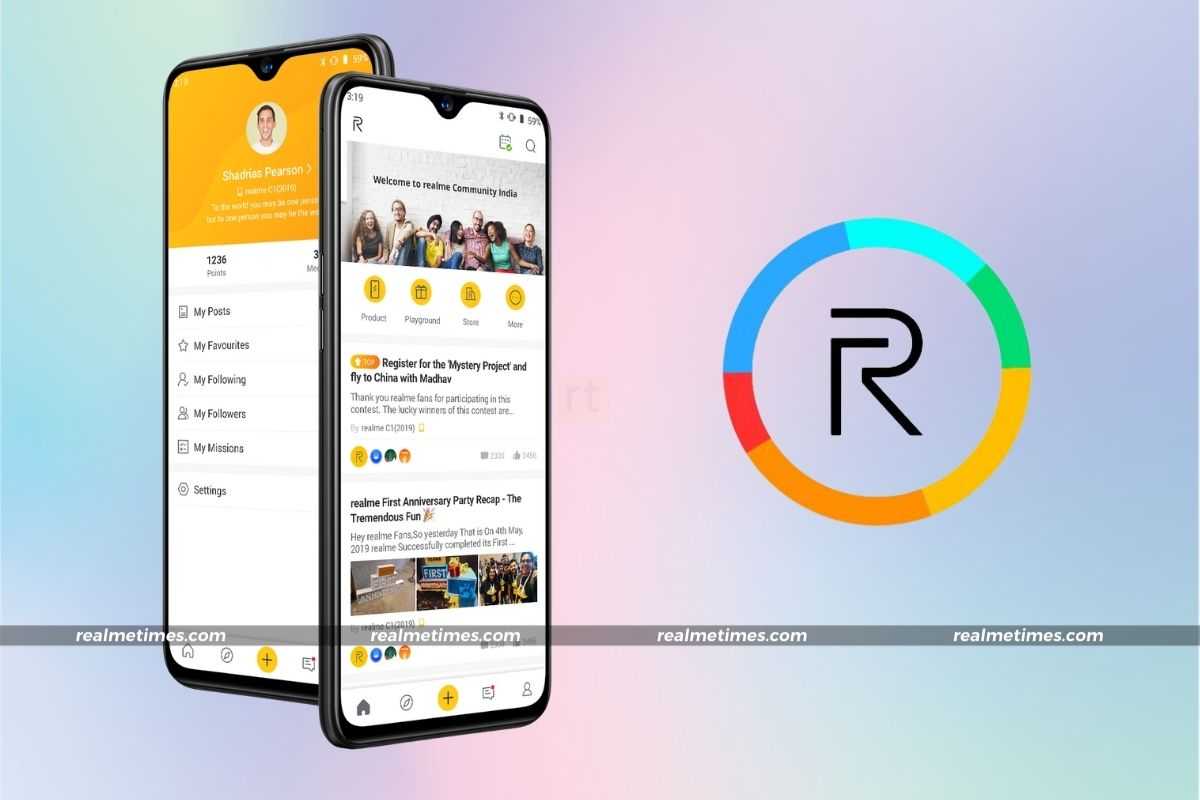
Earlier this week, Realme announced a new update for the Realme Community app. While the updated app’s changelog isn’t available, it is expected to not bring any significant changes to the interface, but however, bring performance improvements that significantly speeds up load times.
The updated app is rolling out now. We’ve got the APK available for download here on RealmeTimes, so you don’t have to wait for it to eventually go live in your region.
The Realme Community app is Realme’s official community forum, where you can ask questions and receive guidance about Realme devices; share your ideas and knowledge; learn about the latest Realme news and events; and, according to Realme, it also allows you to feel like you’re part of an active and ever-growing family of tech-enthusiasts.
The latest version of the Realme Community app comes with the build number v2.5.0 and is sized at 10MB. You can experience the new changes in addition to the faster performance by downloading the latest Realme Community update from the database.
- Build- v2.5.0
- Size- 10MB
How to Download and Update Realme Community App?
While Realme has already begun to deploy updates for the Google Play Store version of the app and will soon be delivering an update to all devices, users may upgrade the app manually by downloading and installing the APK. That is fairly straightforward and may be accomplished by following the procedures outlined below:
- Start by, downloading the APK file by clicking on the download link mentioned above.
- Next, tap on the file once the download is complete to head over to the installation process.
- If this is the first time you’re installing an APK, you would have to enable Unknown Sources. To do so, tap on the Settings button in the pop-up and turn the toggle ON.
- Head back over to the APK and choose Install.