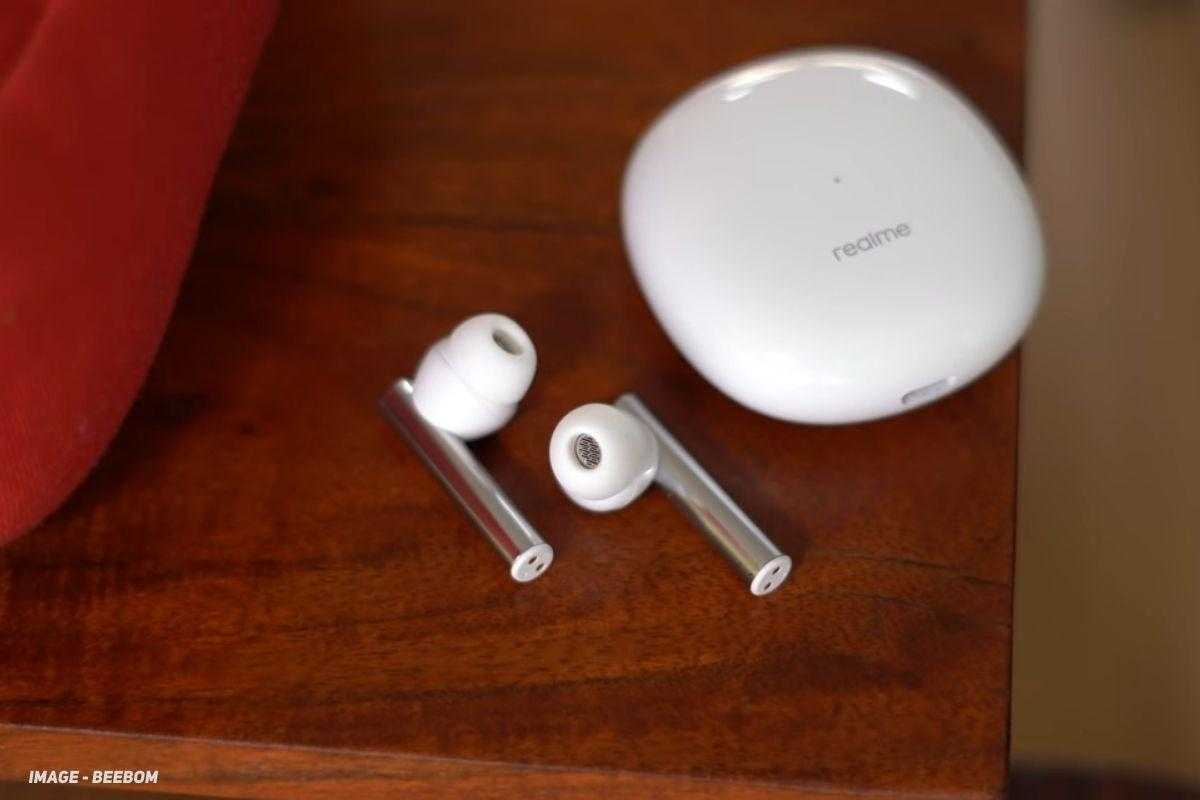
The Realme Buds Air 2 is one of the cheapest TWS earphones in the market with support for Active Noise Cancellation (ANC). The company is now rolling out a new update to the Buds Air 2 with the firmware version v1.1.0.54. The update brings optimization for call quality and now supports the Realme Link iOS version.
Note that this is a staged rollout and therefore may take a few days to completely roll out to all users. Make sure to have enough charge on your Realme Buds Air 2 before updating.
Realme Buds Air 2 v1.1.0.54 Changelog:
- Optimized calling quality.
- Supported realme Link iOS version.
How to Update the Realme Buds Air 2 to the Latest Version
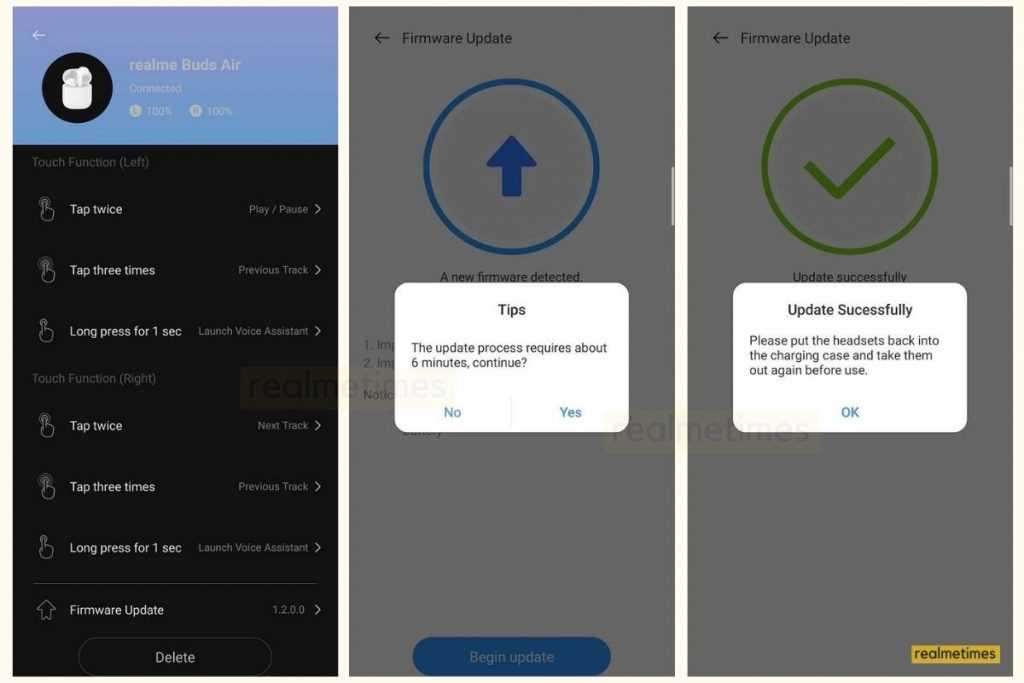
- Turn on Bluetooth and pair your Realme Buds Air 2 with your smartphone.
- Next, download and Install the Realme Link app from the Google Play Store.
- Now, connect your Realme Buds Air 2 to your phone via the Realme link App.
- In the app, find and click on the Realme Buds Air 2 icon.
- On this page, you’ll find an option for Firmware Update.
- Choose the button and click on the Check for Updates.
- If there’s an update available, click on the Update now button.
- Wait for the Update to get downloaded and installed.
For users looking to connect your Realme Buds Air 2 to an iOS device with Realme Link: You first need to connect the Realme Buds Air 2 with any Android device (> Android 5.0) running the latest Realme Link app and then update to the latest v1.1.0.54 or later firmware. Once updated, you will be able to connect your Realme Buds Air 2 with any supported iOS devices running Realme Link iOS App.
That said, does this update impact you? Do let us know by dropping a comment down below.